How to check Google Search Console with ChatGPT.
ChatGPT cannot see your Search Console on its own. Add HexaHQ to ChatGPT and connect your Google account to it, and ChatGPT can tell you whether a page is in Google, when Google last crawled it, and how it is doing in search.
What you need.
- A paid ChatGPT plan: Go, Plus or Pro.
- A free HexaHQ account.
- A Google account that can see your site in Search Console, as its owner or as a user someone added to it.
Add HexaHQ to ChatGPT.
- Add the HexaHQ connector to ChatGPT. Adding HexaHQ to ChatGPT shows every screen. Come back here once ChatGPT has signed you in to HexaHQ.
Connect Search Console.
-
Ask ChatGPT to use HexaHQ to connect your Search Console, and give it a page’s full
address.

Start with “Use HexaHQ to”. Without it, ChatGPT may offer to install a different Search Console plugin instead.
-
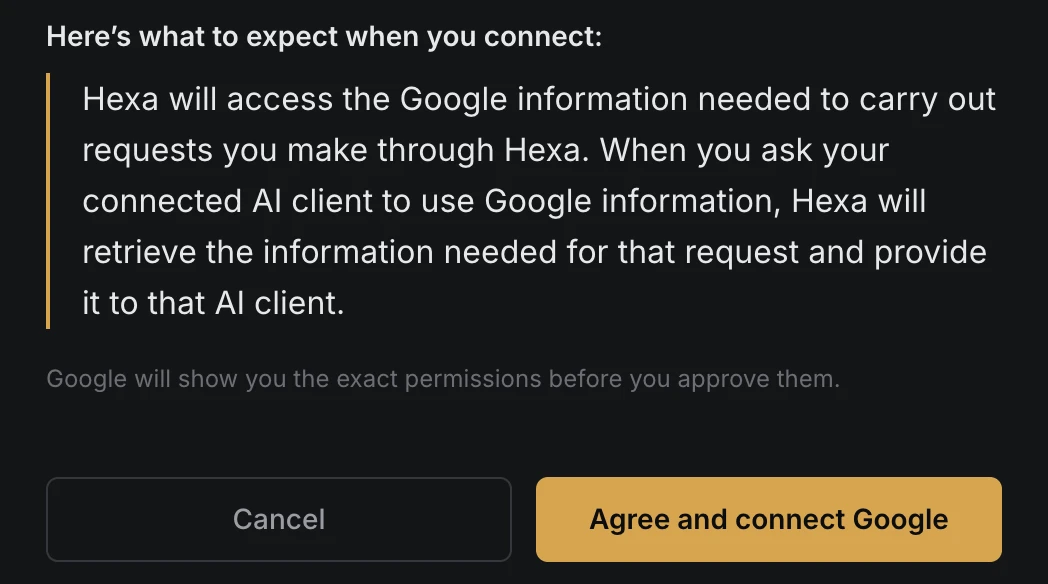
Open the link ChatGPT gives you, and click Agree and connect Google. HexaHQ first says
what it does with your Google information, then sends you to Google. There is nothing to copy or paste.
-
Choose the Google account that can see your site in Search Console. If you have more than
one, pick the one you open Search Console with.

-
Tick View Search Console data for your verified sites, then click Continue.

Make sure the box is ticked. Google lists each permission with its own box. Leave this one unticked and ChatGPT cannot read your Search Console, and will ask you to connect again.
-
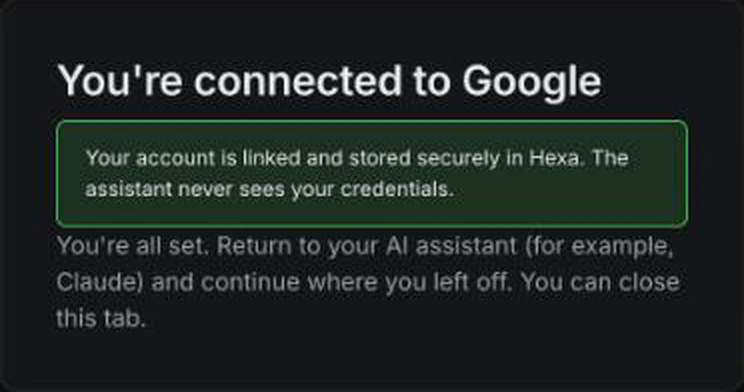
Go back to ChatGPT and tell it you have connected. HexaHQ shows this page once Google is
connected, and you can close the tab.
Read the answer.
-
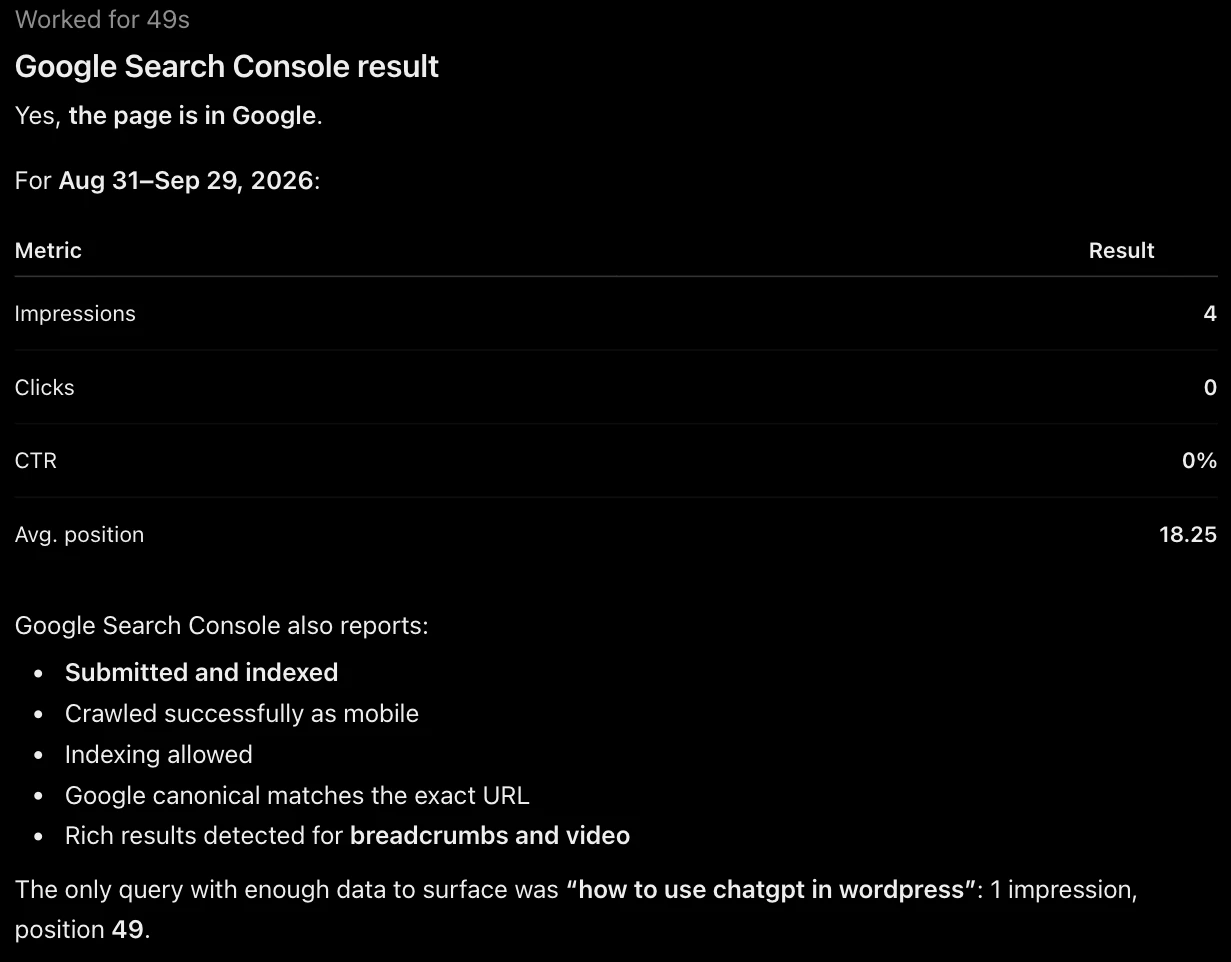
ChatGPT checks the page in Search Console and tells you what it found. Whether the page
is in Google, how often it has appeared in search, and at what position.
Ask the next question in the same chat.
Ask which searches a page shows up for, which pages get the most clicks, or why Google left a page out. The Search Console connection only reads, so nothing on your site or in Search Console changes. Everything ChatGPT looked up is listed in HexaHQ’s activity log.
Related helpRelated help.
- Add HexaHQ to ChatGPT.
- Check Google Search Console with Claude.
- Use ChatGPT with your WordPress site.
- Connectors and capabilities: what HexaHQ set up when you connected Search Console.
- The activity log: everything ChatGPT did through HexaHQ.